Claude API Batch Processing: The 50% Discount, the 24-Hour Ceiling, and the Ordering Trap (2026)

Batch processing answers a narrow question: what do you do with Claude API work that has to happen, but does not have to happen now?
The Batches API takes a list of Messages API requests, runs them asynchronously on Anthropic's schedule instead of yours, and charges 50% of standard token prices for the privilege. That discount is real and it applies to all token usage in the batch. What it costs you is control over when the work finishes — and most integrations that go wrong here go wrong because they designed against the wrong number.
What the Batches API actually is
It is not a separate model or a different capability surface. A batch is a container for ordinary Messages API requests. Each entry pairs a custom_id you choose with a params object that is the same request body you would have sent to the synchronous endpoint — same model, same max_tokens, same system prompt, same tools.
Everything the Messages API supports works inside a batch: vision, tool use, prompt caching, structured outputs. You are not writing a restricted subset of your integration. You are taking the request you already build and posting it to /v1/messages/batches instead.
The lifecycle has three steps. You create the batch and get back an id. You poll that id until processing_status reads ended. Then you stream the results.
The number that should drive your design: 24 hours, not one
Most batches finish within an hour. The documented maximum is 24.
Those two facts get quoted together and then only the first one gets designed against, which is the single most common way a batch integration becomes a support ticket. "Usually an hour" is an observation about typical behavior. "Up to 24 hours" is the commitment. If your pipeline breaks when a batch takes six hours, you have built on the observation and not the commitment.
This has a concrete design consequence: batch work must be resumable and must not hold anything open. No request-scoped connection waiting on a result. No user staring at a spinner. No cron job that assumes yesterday's batch is done before today's starts. Store the batch id durably, poll on a schedule, and treat a still-processing batch as a normal state rather than an error.
Results stay retrievable for 29 days after creation, which is generous enough that you never need to race to collect them. Collect on your own cadence.
The limits worth knowing before you shape a batch
A single batch holds up to 100,000 requests or 256 MB, whichever you hit first. Those two ceilings behave very differently in practice.
The request count is rarely the binding constraint. The byte ceiling often is, because it counts the fully rendered request — every copy of your system prompt, every base64 image, every document. Ten thousand requests that each carry a 20 KB shared system prompt spend 200 MB on the system prompt alone before any of the actual work is counted.
That is the calculation to run before you pick a batch size: multiply your per-request payload by your request count and compare it to 256 MB, rather than assuming 100,000 is your limit. If you are near the byte ceiling, splitting into several smaller batches costs you nothing — batches are independent and there is no per-batch fee.
Results come back out of order
This is the trap that survives code review most often, because the failure is silent and the test data is small.
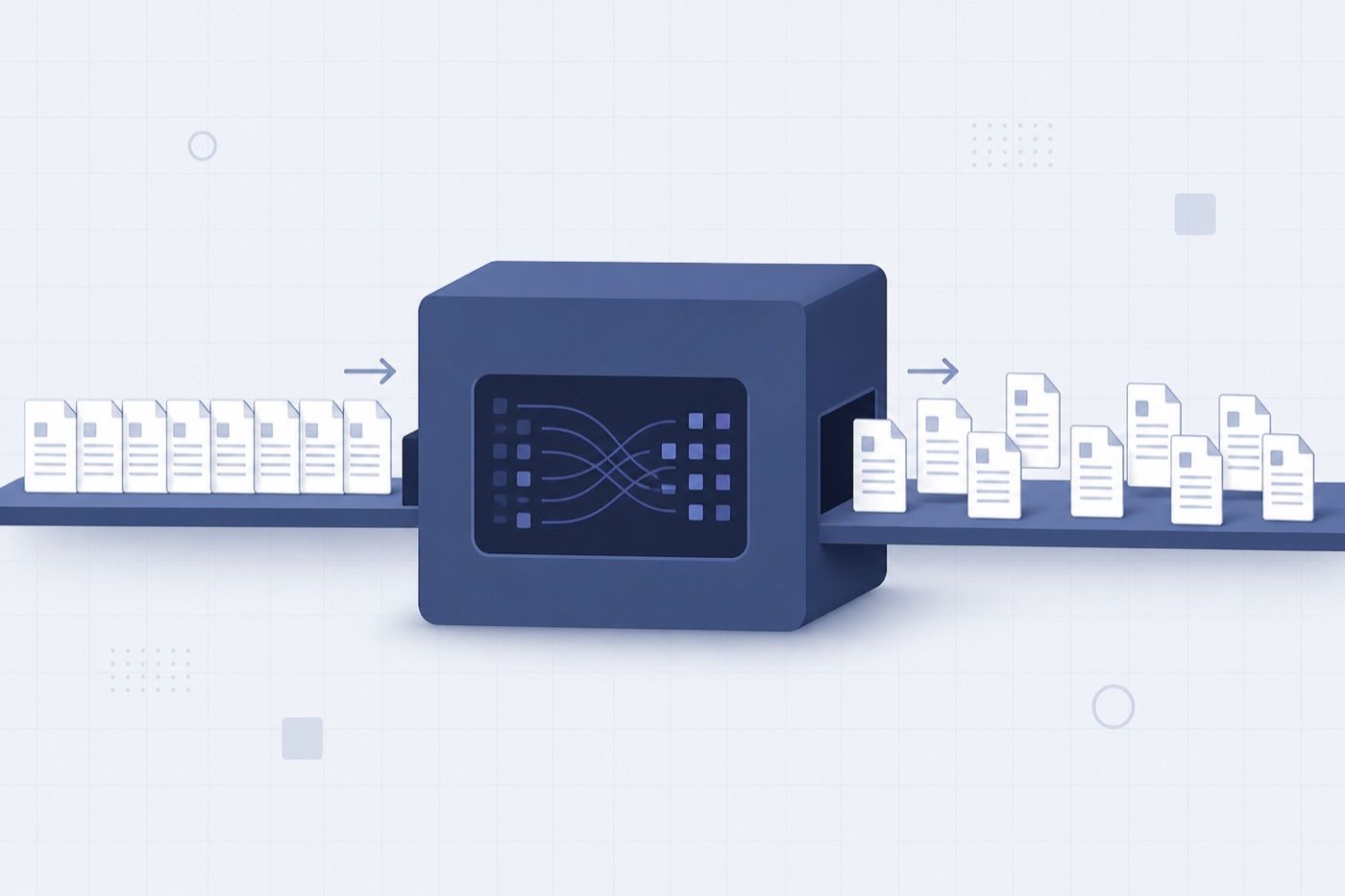
The results stream is not ordered to match your input array. Index 0 of the results is not necessarily custom_id request-0. Keying results by position produces an integration that works perfectly on a three-item test batch and then quietly mislabels ten thousand records in production.
Key by custom_id. Always. Build a dictionary as you stream and look results up by id when you are done. And choose custom_id values that mean something in your own system — a database row id, a document hash — because that id is the only thread connecting a result back to the thing it was about.
Reading the four result types
Each result carries a type, and the four are not interchangeable:
succeeded— the message is onresult.message, shaped exactly like a synchronous response.errored— check the error type. Aninvalid_requestmeans the request itself was malformed; retrying it verbatim will fail again, so fix and resubmit. Other errors are server-side and safe to retry as-is.canceled— you cancelled the batch while this request was still in flight.expired— the request did not complete in time and needs resubmitting.
The distinction inside errored is the one worth encoding in your handler. A retry loop that treats a validation error as transient will burn through its attempts and then report a server problem that does not exist.
Cancellation is available mid-flight and puts the batch into a canceling state. Requests already finished still return their results; requests still queued come back as canceled.
Batching and prompt caching in the same batch
Caching works inside batches, and the pattern is the obvious one: mark a large shared system prompt with a cache breakpoint, and every request in the batch reads from the same cached prefix instead of paying full input price for its own copy.
One thing to verify for your own workload rather than assume: the default ephemeral cache TTL is five minutes, while a batch may sit for hours. Whether the cache economics you modelled actually materialize depends on how the batch's requests are scheduled relative to each other, and that is not something to take on faith from a blog post — including this one. Measure it by reading cache_read_input_tokens on the returned messages and comparing against what you expected. If the reads are zero, your model of the interaction was wrong, and the 50% batch discount is doing all the work while the caching is doing none.
Our prompt caching guide covers the breakpoint mechanics and the silent invalidators in more detail.
When batch is the wrong tool
Batch is wrong whenever a human or a request is waiting. That is the whole rule, and it covers more cases than it first appears to:
- Anything user-facing. A chat turn, a search-time summarization, an inline suggestion. If a person notices the latency, batch is not an option — use streaming instead.
- Anything on the critical path of another system. If service B blocks on the result, an asynchronous 24-hour ceiling is a 24-hour outage risk.
- Low volume. Ten requests a day do not justify the operational surface of batch creation, polling, result reconciliation, and expiry handling. The 50% saving on ten requests does not pay for the code that manages them.
- Work with a hard deadline shorter than a day. "Must be done by 9am" and "up to 24 hours" are not compatible unless you submit a full day ahead.
Two features are also explicitly unavailable inside batches: the server-side refusal fallbacks parameter is rejected on the Batches API, and fast mode does not run through batch. If your synchronous path depends on either, the batch path needs its own handling.
What batch is genuinely good at is the opposite shape: large volumes of independent work with no reader waiting. Classification backfills. Nightly enrichment. Re-processing an archive after a prompt change. Evaluation runs over a fixed test set. In all of those, an hour or six makes no difference and half the bill makes a large one.
If you route Claude traffic through a relay
Worth checking before you build: a relay or gateway that proxies /v1/messages does not necessarily proxy /v1/messages/batches. They are different endpoints with a different lifecycle — creation, polling, streamed results, cancellation — and a proxy built for the synchronous path may implement none of the other three.
This is a question to ask concretely rather than assume in either direction. Create a two-request batch through whatever endpoint you actually use, poll it, and read the results back. If any of those three steps 404s or hangs, you know before you have written the reconciliation logic rather than after. The same principle applies to any proxy or gateway layer between you and the API: verify the endpoint you depend on, not the one that was easiest to test.
Frequently asked questions
How much does the Claude API batch discount actually save?
50% of standard token prices, applied to all token usage in the batch — input, output, and cache tokens alike. It stacks with prompt caching rather than replacing it. For the underlying per-model rates the discount applies to, see our Claude API pricing breakdown.
How long does a Claude API batch take?
Most complete within an hour; the documented maximum is 24 hours. Design for 24. There is no way to request faster processing — that is what the standard synchronous endpoint is for.
Can I use tools and vision inside a batch?
Yes. All Messages API features are supported inside batch requests, including tool use, vision, prompt caching, and structured outputs. The request body is identical to what you would send synchronously.
What happens if I submit a malformed request in a batch?
The batch itself still runs. That individual request comes back with an errored result whose error type is invalid_request. Other requests in the same batch are unaffected — one bad entry does not fail the batch.
How long are batch results available?
29 days from batch creation. You do not need to collect immediately, but you do need to collect eventually; there is no extension.
Can I cancel a batch after submitting it?
Yes. Cancellation moves the batch to a canceling status. Requests that already completed still return results; those still in the queue come back as canceled.
The short version
The Batches API trades latency for half the bill on work nobody is waiting for. Design against the 24-hour ceiling rather than the one-hour typical case, size batches against the 256 MB byte limit rather than the 100,000 request limit, and key every result by custom_id rather than position. Those three decisions are where batch integrations succeed or quietly corrupt data.