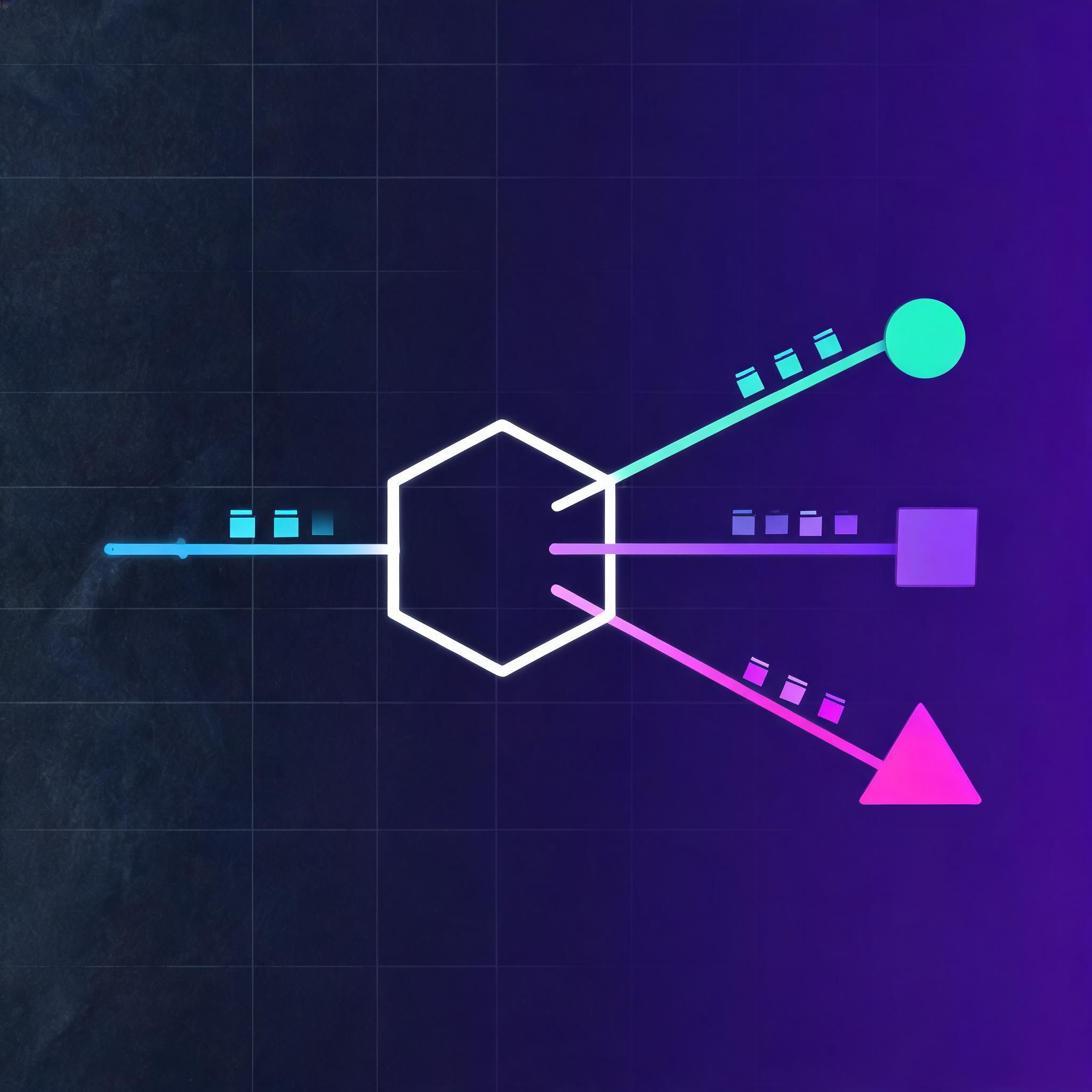
LiteLLM with Claude: Routing Paths, Parameter Mapping and the Failure Modes

LiteLLM sits between your application and a model provider, giving you one interface — usually the OpenAI-shaped one — across many backends. Pointing it at Claude is one of the most common reasons teams install it, and it is also where most of the configuration confusion happens, because LiteLLM can talk to Claude through several different paths and they do not behave identically.
This guide covers the paths, the configuration that each requires, the parameters that do and do not translate, and the failure modes that look like bugs but are actually mapping gaps.
What LiteLLM is actually doing
LiteLLM has two modes, and the distinction matters before you write a line of config:
- The Python SDK. You import it and call
completion()in your code. The translation from a unified call signature into a provider-specific request happens in-process. - The proxy server. You run it as a separate service that exposes an OpenAI-compatible HTTP endpoint. Your application talks to that endpoint as if it were OpenAI; LiteLLM routes to the real provider behind it.
The SDK is simpler for a single application. The proxy is what you want when multiple services, or tools you do not control, need to reach models through one gateway — because anything that can be pointed at an OpenAI base URL can then reach Claude without knowing Claude exists.
The three ways to reach Claude
|
Path |
How you configure it |
When it fits |
|---|---|---|
|
Direct to Anthropic |
|
You have a direct account and want the shortest path |
|
Through a cloud provider |
Bedrock or Vertex model prefixes with that cloud's credentials |
Your organization already buys models through that cloud |
|
Through an OpenAI-compatible gateway |
A custom base URL plus that gateway's key |
You route through an internal or third-party endpoint |
The model string is the routing decision. anthropic/claude-... goes to Anthropic's API; a Bedrock prefix goes to AWS; a base-URL override sends the request wherever you point it. Getting a "model not found" error almost always means the prefix and the credentials disagree about which backend you meant.
Minimal working configuration
For the SDK, the essentials are the model string and the key:
from litellm import completion

response = completion(
    model="anthropic/claude-sonnet-5",
    messages=[{"role": "user", "content": "Summarize this changelog."}],
    max_tokens=1024,
)
For the proxy, you declare models in a config file and start the server:
model_list:
  - model_name: claude-sonnet          # the name your app will ask for
    litellm_params:
      model: anthropic/claude-sonnet-5   # the real backend model
      api_key: os.environ/ANTHROPIC_API_KEY
The two-name structure is the point of the proxy. Your application asks for claude-sonnet; you change which real model that maps to without touching application code. Use this deliberately — stable alias names in your code, real model identifiers only in config.
What translates cleanly, and what does not
This is where most of the surprises live. The OpenAI request shape and the Anthropic one are similar enough to look interchangeable and different enough to break in specific places.
Translates cleanly:
- Basic chat messages with
userandassistantroles max_tokens,temperature,stream- Tool/function definitions and tool-call responses, in the common cases
- Usage accounting in the response, normalized to a consistent shape
Needs attention:
- System prompts. OpenAI carries the system instruction as a message with
role: "system"; Anthropic takes it as a separate top-level parameter. LiteLLM handles the conversion, but if you are inspecting raw requests or writing middleware that manipulates the message array, do not assume the array you sent is the array that goes out. max_tokensis required by Anthropic. OpenAI treats it as optional. A call that works against OpenAI can fail against Claude purely because you never set it. Set it explicitly rather than relying on a default.- Message alternation. Anthropic expects user and assistant turns to alternate and the conversation to begin with a user turn. Histories assembled loosely — two consecutive user messages, a leading assistant message — are a common source of 400s.
- OpenAI-only parameters. Things with no Anthropic equivalent are either dropped or rejected depending on your settings.
drop_paramscontrols which. Silent dropping is convenient in development and dangerous in production, because a parameter you believe is controlling behavior may not be reaching the model at all. - Prompt caching and other provider-specific features. These are configured in provider-native terms. Check LiteLLM's current support for the specific feature rather than assuming the unified interface exposes it.
Streaming
Streaming works, and the proxy normalizes Anthropic's event stream into OpenAI-style chunks so that OpenAI-shaped client code keeps working. Two things to verify in your own setup rather than assume:
- Usage data in streamed responses. Token counts arrive differently in streaming mode. If you meter or bill on usage, confirm you are actually receiving those numbers on the streamed path, not only on the non-streamed one.
- Tool calls while streaming. Tool-call arguments arrive incrementally and have to be accumulated before parsing. Code that tries to
json.loads()each chunk will fail intermittently — which looks like a model problem and is not.
Operational configuration worth setting up front
- Fallbacks. Define an ordered fallback list so a provider outage degrades rather than fails. This is one of the strongest arguments for the proxy over direct SDK calls.
- Retries and timeouts. Set them explicitly. Defaults suitable for a fast model are not suitable for a long generation.
- Budgets and rate limits per key. The proxy can issue virtual keys with their own limits, which is how you stop one misbehaving service from consuming a shared quota.
- Logging. Turn on request logging early. When a translation problem appears, the question is always "what did LiteLLM actually send," and without logs you are guessing.
Common errors and what they usually mean
|
Symptom |
Usual cause |
|---|---|
|
|
Model string prefix does not match the credentials configured for that backend |
|
400 on a request that works with OpenAI |
Missing |
|
A parameter appears to have no effect |
It was dropped in translation — check your |
|
Authentication error despite a valid key |
The key is set for a different backend than the model prefix routes to |
|
Tool calls parse correctly unstreamed, fail streamed |
Chunk arguments being parsed before accumulation completes |
When LiteLLM is the wrong layer
LiteLLM is a translation and routing layer. It is not the right place to solve two problems people bring to it:
- Provider-specific capabilities at their full depth. If your application depends on a feature that exists in exactly one provider's native API, a unified interface will always lag it. Call that API directly for that path.
- Prompt and behavior differences between models. Swapping the model string does not make two models behave the same. A unified interface makes the call portable; it does not make the outputs equivalent, and your evaluations still have to run per model.
FAQ
What is the difference between LiteLLM's SDK and its proxy?
The SDK is a Python library you call inside your application. The proxy is a standalone server exposing an OpenAI-compatible HTTP endpoint that routes to real providers. Use the SDK for one application; use the proxy when several services, or tools you cannot modify, need to reach models through one gateway.
Do I need to change my application code to use Claude through LiteLLM?
Usually not, if your code already speaks the OpenAI request format. Point it at the proxy's base URL and ask for a model name you mapped to Claude in config. The main code-level change to expect is setting max_tokens explicitly, which Anthropic requires and OpenAI does not.
Why does a request that works on OpenAI return a 400 on Claude?
The two most common causes are a missing max_tokens and a message array that does not alternate user and assistant turns starting with a user turn. Both are accepted by OpenAI and rejected by Anthropic.
Are my OpenAI parameters silently ignored when routed to Claude?
They can be. Parameters without an Anthropic equivalent are dropped or rejected depending on your drop_params configuration. Enable request logging so you can see what was actually transmitted rather than inferring it from behavior.
Does streaming work with Claude through LiteLLM?
Yes — Anthropic's event stream is normalized into OpenAI-style chunks. Verify two things in your own setup: that usage data reaches you on the streamed path, and that tool-call arguments are accumulated across chunks before you parse them.
Can LiteLLM fall back to another model if Claude is unavailable?
Yes. Configure an ordered fallback list, most usefully on the proxy, so an outage or rate limit degrades to another backend instead of failing the request outright.
If you are routing OpenAI-shaped traffic to Claude, the endpoint underneath matters as much as the client. ROIBest AI provides an OpenAI-compatible API endpoint for Claude and other models, so tools that only accept a base URL and a key can reach them without code changes.