OpenAI Compatibility Issues: What "Compatible" Actually Covers, and Where It Stops

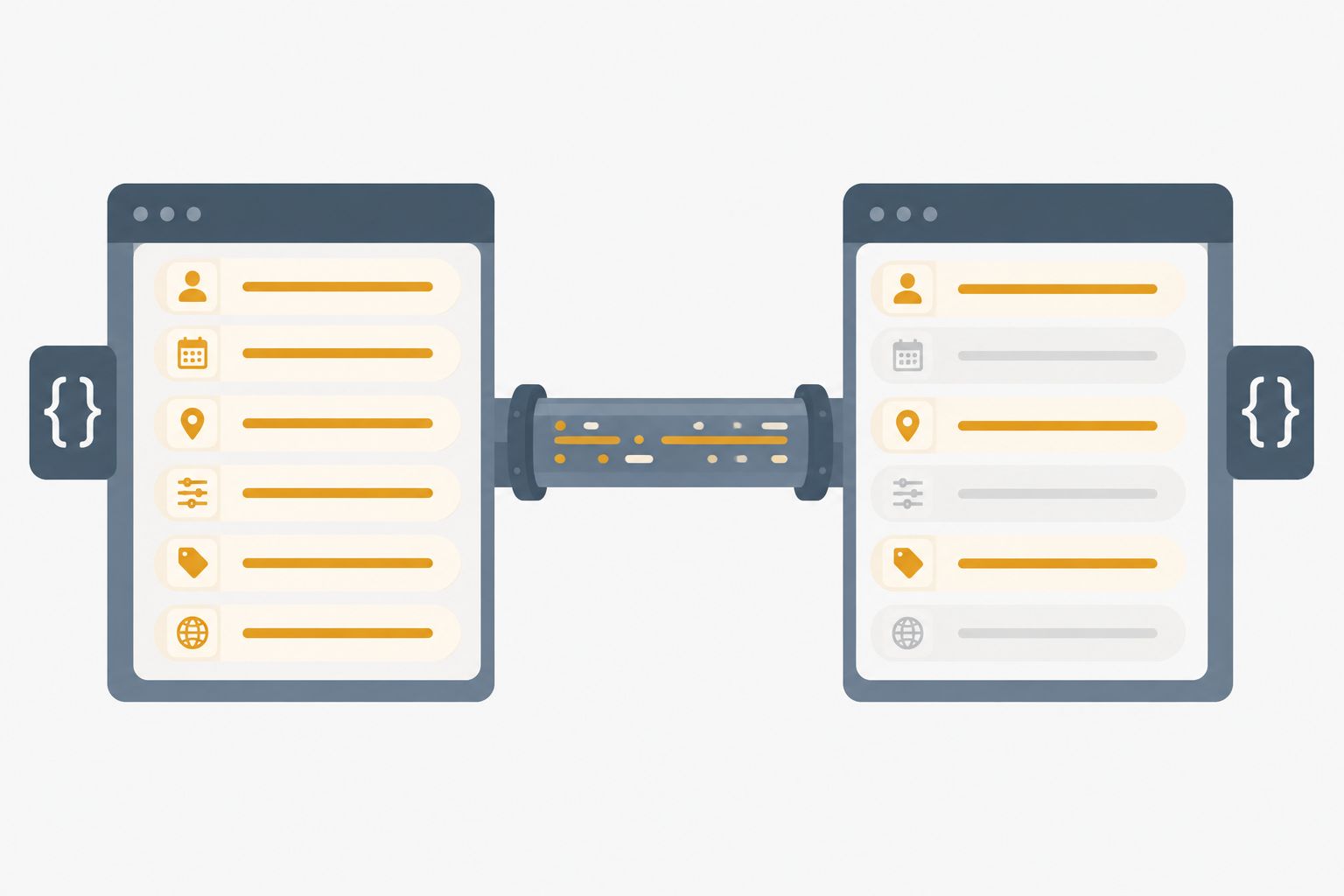
"OpenAI-compatible" is one of the most useful phrases in the LLM tooling ecosystem, and one of the most over-read. It is a statement about request and response shape — that an endpoint accepts POST /v1/chat/completions, takes a messages array, and returns a choices[0].message.content. It is not a statement that every parameter you send will be honoured, that streaming will chunk identically, or that tool calls will round-trip the way they do against the original.
Most "compatibility issues" are not bugs. They are the gap between those two readings. This guide maps that gap: the four layers where it shows up, the parameters that most often go missing, the streaming and tool-calling differences that break real clients, and a diagnostic method that tells you which layer you are actually in.
What an OpenAI-compatible endpoint promises
The compatibility contract, in practice, covers three things:
- The route.
/v1/chat/completionsexists and accepts POST. Usually/v1/modelsand/v1/embeddingstoo, sometimes not. - The core request fields.
model,messages,max_tokens,temperature,stream. - The core response envelope. An object with
id,model,choices[], and — usually —usage.
That contract is enough for the overwhelming majority of client code to work unchanged. It is also, deliberately, a floor rather than a ceiling. Anything beyond those three things is a per-provider decision, and providers differ.
The practical consequence: your client library will not tell you when you have crossed the line. The OpenAI SDKs serialize whatever you pass and read whatever comes back. If a field is dropped server-side, the SDK sees a valid response and returns it. There is no exception, no warning, no unsupported_parameter in the payload. You get an answer — just not the one your parameters asked for.
If you are still deciding whether to route through a compatible endpoint at all, what an OpenAI-compatible API is covers the endpoint surface and client switching; this article picks up where that one ends.
The four layers where compatibility breaks
Diagnosing quickly depends on identifying the layer first. Symptoms that look identical at the application level have completely different causes at these four layers.
Layer 1 — Transport and auth
Symptoms: connection refused, TLS errors, 401, 403, 404 on a route you expected to exist.
This layer has nothing to do with compatibility semantics; it is plumbing. The common causes are a base_url missing or duplicating the /v1 suffix (https://host/v1/v1/chat/completions is a very common 404), an auth header in the wrong form, or a proxy that only implements /v1/chat/completions and returns 404 for /v1/embeddings.
The base_url mistake deserves specific attention because the SDKs differ: some append /v1 for you, some do not. If you get a 404 on a route you are certain exists, print the fully resolved URL your client is about to call before assuming anything about the server.
Layer 2 — Request schema
Symptoms: the call succeeds, but the output ignores something you asked for.
This is where the silent failures live. A parameter can be handled three different ways by a compatible endpoint, and only one of them is loud:
|
Handling |
What you see |
How to detect |
|---|---|---|
|
Honoured |
Expected behaviour |
Nothing to detect |
|
Rejected |
|
The error message |
|
Silently ignored |
A valid response that ignores the field |
Only by A/B comparison |
The third row is the entire problem. seed is the clearest example: send it to an endpoint that ignores it and you will get a perfectly good completion that simply is not reproducible. Nothing in the response says so.
Layer 3 — Response shape
Symptoms: KeyError, None where you expected a number, a parser that works on one provider and throws on another.
Optional-in-practice fields are the usual culprits. usage may be absent entirely on streaming responses. finish_reason may use a value your match statement does not cover. logprobs may be null rather than omitted. Code that indexes rather than .get()s will break here.
Layer 4 — Behaviour
Symptoms: everything parses, nothing errors, the answers are just different.
Same prompt, different model weights, different system-prompt handling, different default sampling. This layer is not a compatibility issue at all in the technical sense — it is the ordinary consequence of talking to a different model. It gets misfiled as a bug constantly, which is why it is worth naming explicitly before you start debugging.
The parameters most often unsupported
Grouped by how much trouble the silence causes:
Frequently ignored, and the silence matters:
seed— reproducibility silently disappears. If your test suite asserts on exact outputs, it will start flaking with no error to point at.logprobs/top_logprobs— returnsnull. Any confidence-scoring or token-level analysis built on this stops producing signal rather than stopping loudly.n— you ask for several candidates, you get one. Code that iterateschoicesstill runs; it just iterates once.
Frequently ignored, and the silence is survivable:
presence_penalty/frequency_penalty— output quality shifts subtly, nothing breaks.stop— sequences may not be honoured. Worth checking if you rely on them for framing rather than for correctness.user— an analytics field; its absence has no runtime effect.
Partially supported, and worth verifying explicitly:
response_format— JSON mode is widely implemented; strict JSON schema enforcement much less so. An endpoint may accept{"type": "json_object"}and ignore{"type": "json_schema", ...}, or accept both and enforce only the former.tools/tool_choice— see the tool-calling section below.max_tokens— nearly always honoured, but note that the semantics are "cap on output," not "target length," and some backends clamp it against a model-specific ceiling without telling you.
A note on max_tokens and context: compatible endpoints usually surface max_tokens faithfully, but the underlying model's context window is a different number and is not part of the compatibility contract. A request that fits comfortably on one backend can exceed the window on another with the same client code.
Streaming differences that break clients
Streaming is the single most common source of "it works non-streamed but not streamed." Four differences account for most of it:
The [DONE] sentinel. The convention is that the SSE stream ends with a literal data: [DONE] line before the connection closes. Not every implementation sends it. A client that blocks waiting for the sentinel will hang until its own timeout fires — which looks like a slow endpoint, not a protocol difference.
Where usage appears. Non-streamed responses carry usage in the body. Streamed responses may carry it in a final chunk, may require an explicit opt-in (stream_options: {"include_usage": true}), or may omit it entirely. Token accounting built on the assumption that it is always there will silently under-count.
Chunk granularity. Nothing in the protocol specifies how much text is in each delta. One provider emits token-by-token, another emits sentence-sized chunks, a third buffers and emits in bursts. Any UI logic tuned to a particular cadence — typing animations especially — behaves differently. Any correctness logic that assumes a chunk boundary means something is simply wrong; delta boundaries carry no semantics.
Where errors go. A failure before the stream opens is a normal HTTP error with a status code. A failure mid-stream arrives as a chunk in a 200 response, sometimes with an error field, sometimes as a truncated stream that simply stops. Clients that only inspect the HTTP status treat a mid-stream failure as a successful short response — which is how truncated output ends up in production data with no error logged anywhere.
Tool calling: where the shapes diverge
Tool calling is the least uniformly implemented part of the compatibility surface. Five divergences:
Legacy vs current field names. functions / function_call were superseded by tools / tool_choice. Compatible endpoints may implement one, the other, or both. Client libraries pinned to older versions may still emit the legacy shape.
Forced tool choice. tool_choice: "auto" is near-universal. tool_choice: {"type": "function", "function": {"name": "..."}} — forcing a specific call — is not. This is not only a proxy-layer question: some current models reject forced tool choice at the model level and require auto plus an explicit instruction naming the tool instead. If your control flow depends on a guaranteed call, verify it rather than assuming.
Parallel tool calls. Whether one assistant message can contain several tool_calls entries, and whether parallel_tool_calls: false is honoured, both vary. Code that assumes exactly one call per turn breaks when it gets two; code that assumes several breaks when it gets one.
Argument serialization. tool_calls[].function.arguments is a JSON-encoded string, not an object — and the exact escaping of that string (Unicode escapes, forward slashes) is not guaranteed to be byte-stable across backends. Parse it with a real JSON parser. Never string-match on the serialized form; that is the single most common way tool-calling code becomes backend-specific by accident.
Streaming tool calls. Tool call arguments arrive as fragments across multiple chunks and must be accumulated by index before parsing. Whether the fragments split at valid JSON boundaries is not specified. Attempting to parse each fragment as it arrives will fail intermittently and non-reproducibly — a class of bug that is very hard to find if you have not seen it before.
A diagnostic method: the paired request
The reliable way to separate "this endpoint does not support X" from "my code is wrong" is a paired request: the same request body, sent to two endpoints, compared field by field.
1. Strip the request to its minimum reproducing form.
   Remove every parameter that is not required to show the symptom.
2. Send that body to the endpoint that behaves as expected.
   Save the full raw response — headers and body, not the SDK's parsed object.
3. Send the identical body to the endpoint under test. Save it the same way.
4. Diff the two raw responses.
The diff tells you the layer directly. Missing top-level key → Layer 3. Both responses well-formed but one ignored a parameter → Layer 2. Different status code → Layer 1. Both honoured everything and the text simply differs → Layer 4, which is not a compatibility issue.
Two things make this work that are easy to skip. Log raw HTTP, not SDK objects — the SDK's parsed representation has already normalized away the differences you are hunting. And strip the request down first: a twelve-parameter request with a symptom tells you nothing about which parameter causes it.
For isolating whether a routing layer is involved at all, how an API proxy works and what to verify covers the same comparison from the routing side. If the symptom is an outright auth failure rather than a semantic difference, reading the status code first is the faster path.
A pre-launch verification checklist
Run this once against any new compatible endpoint, before it carries traffic. Each item exists because it fails silently.
The checklist is short because the goal is narrow: convert every silent difference into a known one. You do not need the endpoint to support everything. You need to know which things it does not support, before that knowledge arrives as a production incident.
FAQ
Does "OpenAI-compatible" mean my existing code runs unchanged?
Usually yes for the core path — messages in, content out. The exceptions are concentrated in parameters beyond the core set, streaming details, and tool calling. Change the base_url and the key, then run the checklist above; that is normally the whole migration.
Why does an unsupported parameter not return an error?
Because the compatibility contract is about accepting the request shape. An endpoint that rejected every field it did not implement would break far more clients than it helped, since most clients send more fields than they depend on. Silent tolerance is the deliberate choice; the cost is that you have to verify rather than assume.
How do I tell "unsupported" from "supported but different"?
The paired request. If the parameter is ignored, the response is indistinguishable from one where you never sent it — send the request with and without it and compare. If the outputs are identical in the way the parameter should have changed, it is being ignored.
Streaming works in curl but not in my application. Where do I look?
Almost always buffering between the two. A proxy, load balancer, or HTTP client that buffers the response body will hold SSE chunks until the stream completes, turning streaming into a slow non-streamed call. Check for response buffering before suspecting the endpoint.
My tool calls parse intermittently. What is the usual cause?
Parsing streamed argument fragments before they are complete. Accumulate all fragments for a given tool call index, then parse once at the end of the stream.
ROIBest AI provides an OpenAI-compatible endpoint for use with Claude Code, Codex, and standard OpenAI SDK clients. The verification checklist above applies to it the same way it applies to any compatible endpoint — run it against your own parameter set before putting traffic through.